![qooper-certificate-image-1.png]](https://www.qooper.io/hs-fs/hubfs/qooper-certificate-image-1.png?height=50&name=qooper-certificate-image-1.png)
Step 1 - Click on the "Mentee" or "Mentor" deep link provided by your program manager
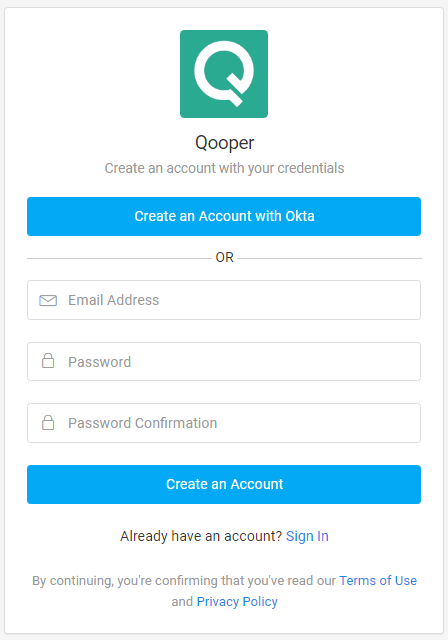
Step 2- After clicking on a link, you will see your program's "Create an Account" page, as shown in the picture below
Step 3 - Enter your email and password and click on the "Create an Account" to join the program.
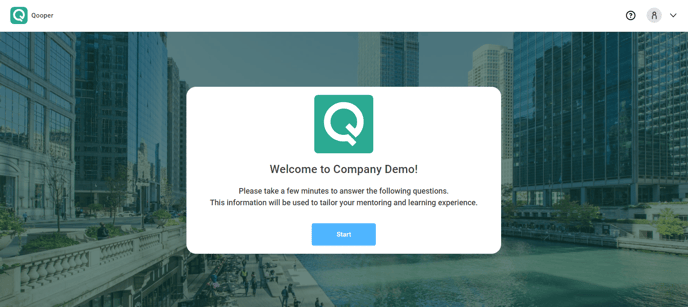
Step 4 - Click on "Start" to start answering questions.
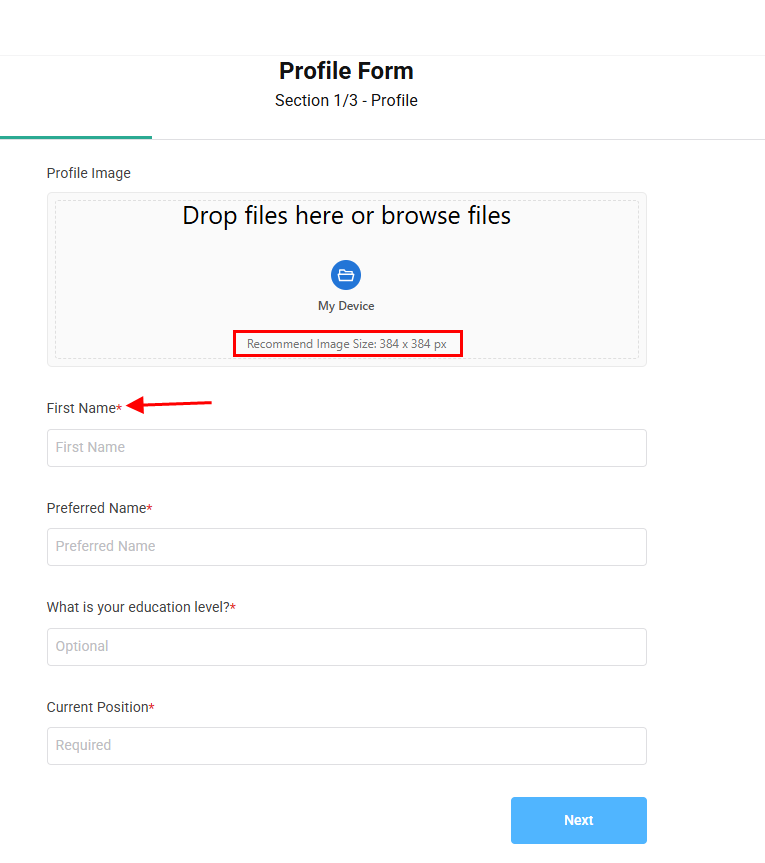
- Choose your ‘Profile Image’ by browsing for it or using drag and drop. Please note that questions marked with a star are required to be answered.
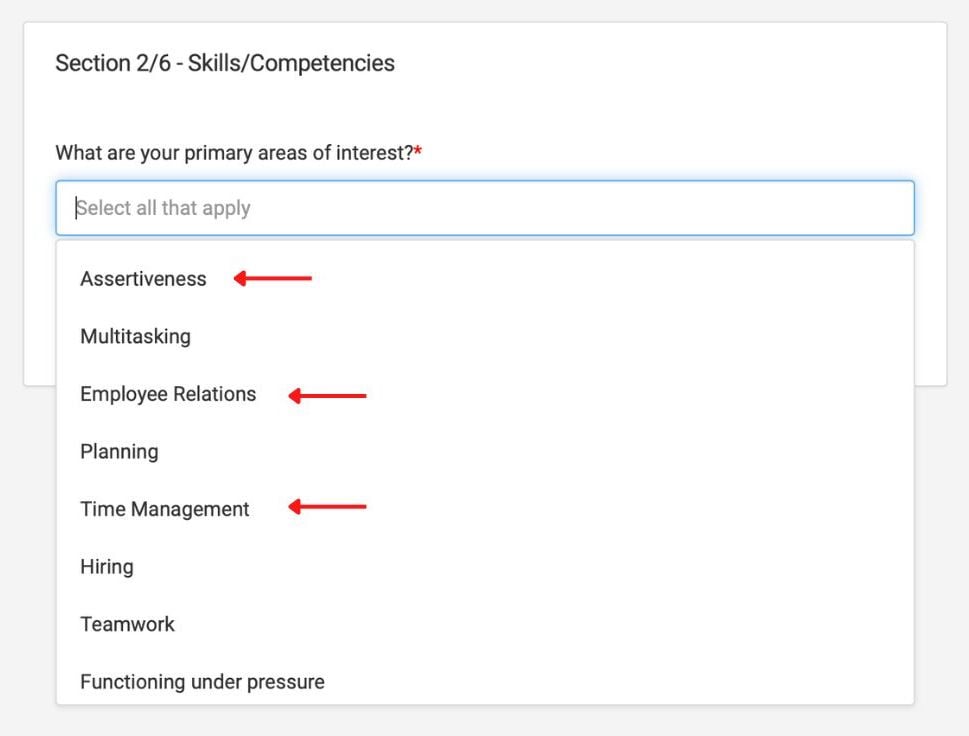
- For multiple-choice questions, you can select all the options that apply by clicking on them.
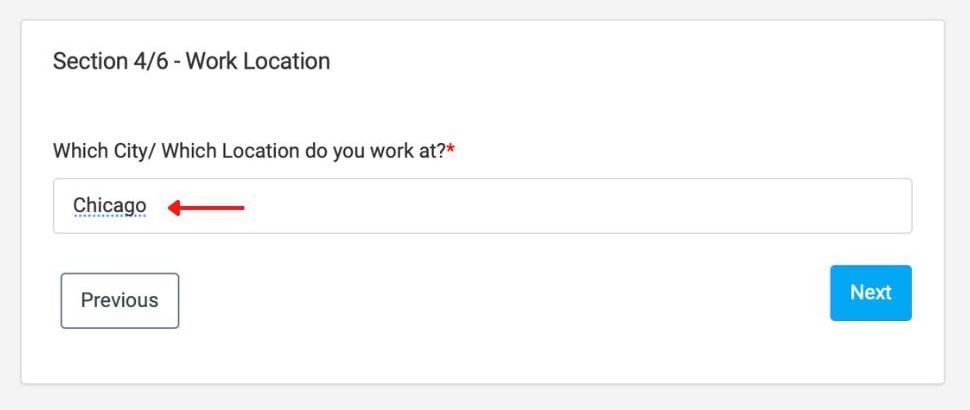
- For short text questions, type your answer in the provided space.
Congratulations! You are on the landing page, welcome to Qooper!
%20(1).webp?width=688&height=355&name=2%20(1)%20(1).webp)