
Manager Emails are automated bi weekly updates designed to keep program stakeholders such as managers, supervisors, directors, and coordinators informed about participant activity in your mentorship program.
These emails cover both mentors and mentees, giving a more complete view of engagement across the program.
What Do Manager Emails Include?
Each email provides a clear and simple summary of participant activity. No login is required.
Reports may include:
-
Names
-
Matches
-
Company/Organization Name
-
Registration date
-
Match date
-
Match status
- Upcoming Meetings
- Meetings Completed
For mentee reports, mentor information can be anonymized to protect privacy while still providing useful insights.
How to Set Up Manager Emails
Setting them up is quick and easy:
Option 1: Email Your CSM
Send your list of participant emails along with the corresponding manager email addresses to your Customer Success Manager and cc customer-support@qooper.io.
Option 2: Use the Import Function
Import managers directly through the Matching section in Qooper using the Manager Email Import Template.
Email Preview
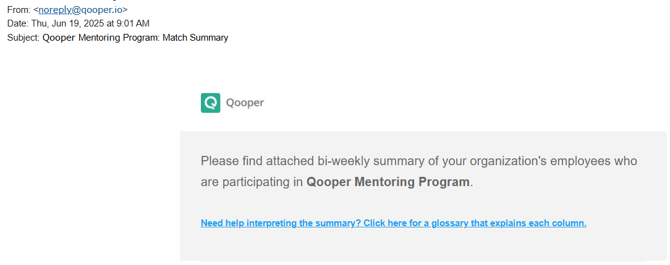
Email Statistics: