
Introduction
This guide explains how to establish an SFTP connection and retrieve your credentials through the admin dashboard.
Step 1: Accessing Admin Dashboard
- Log in to the Qooper platform: https://platform.qooper.io/program.
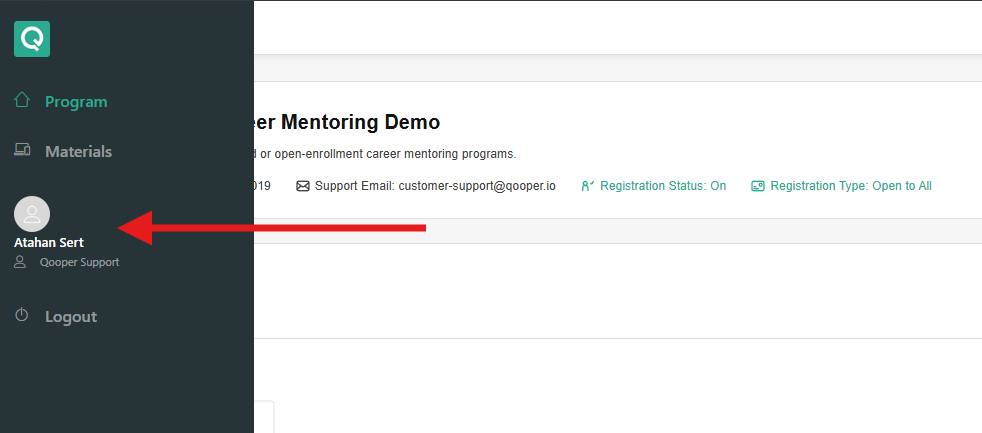
- Click on your name or profile picture in the left-hand navigation bar.
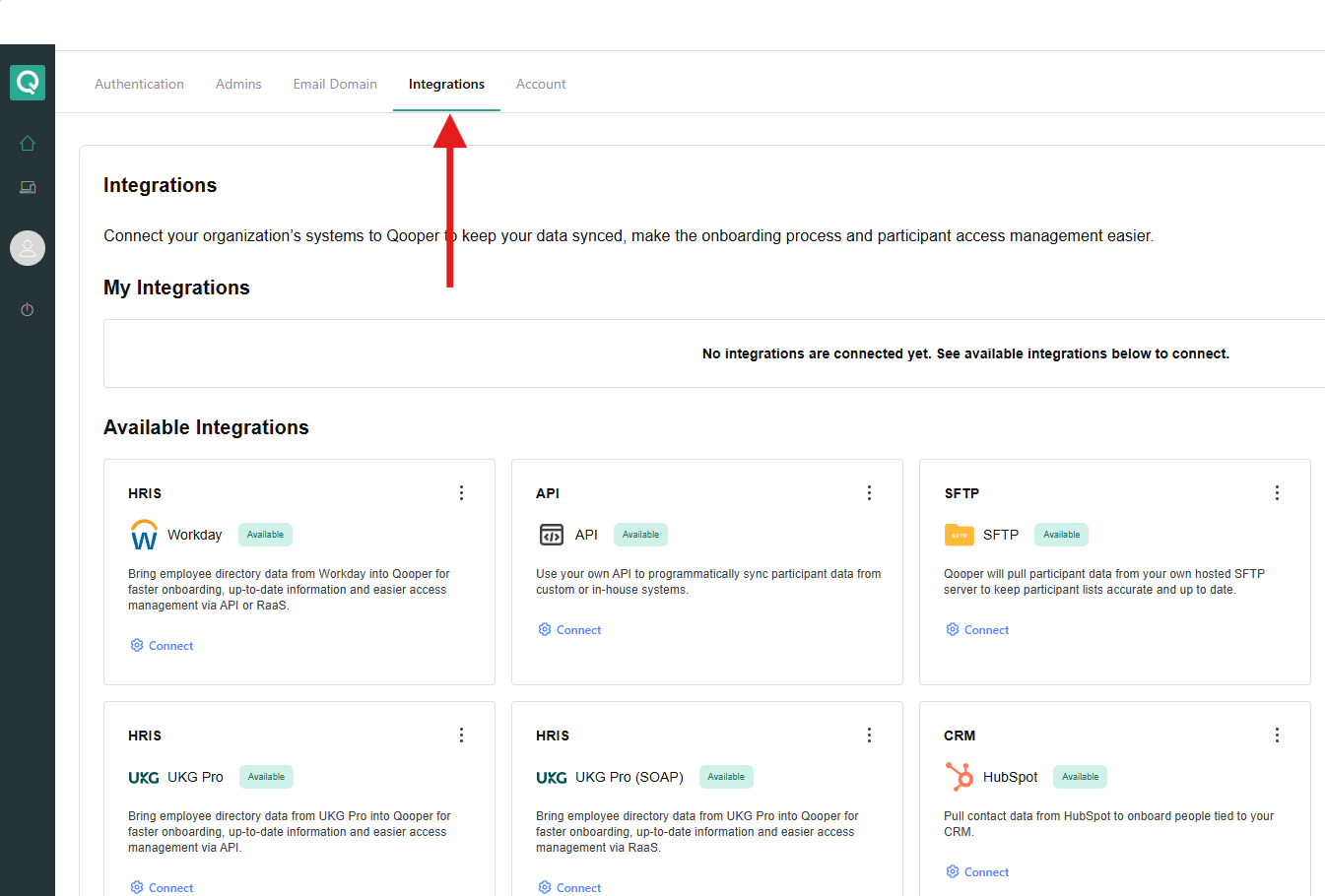
- Navigate to the Integrations section.
Step 2: Initiate SFTP Setup
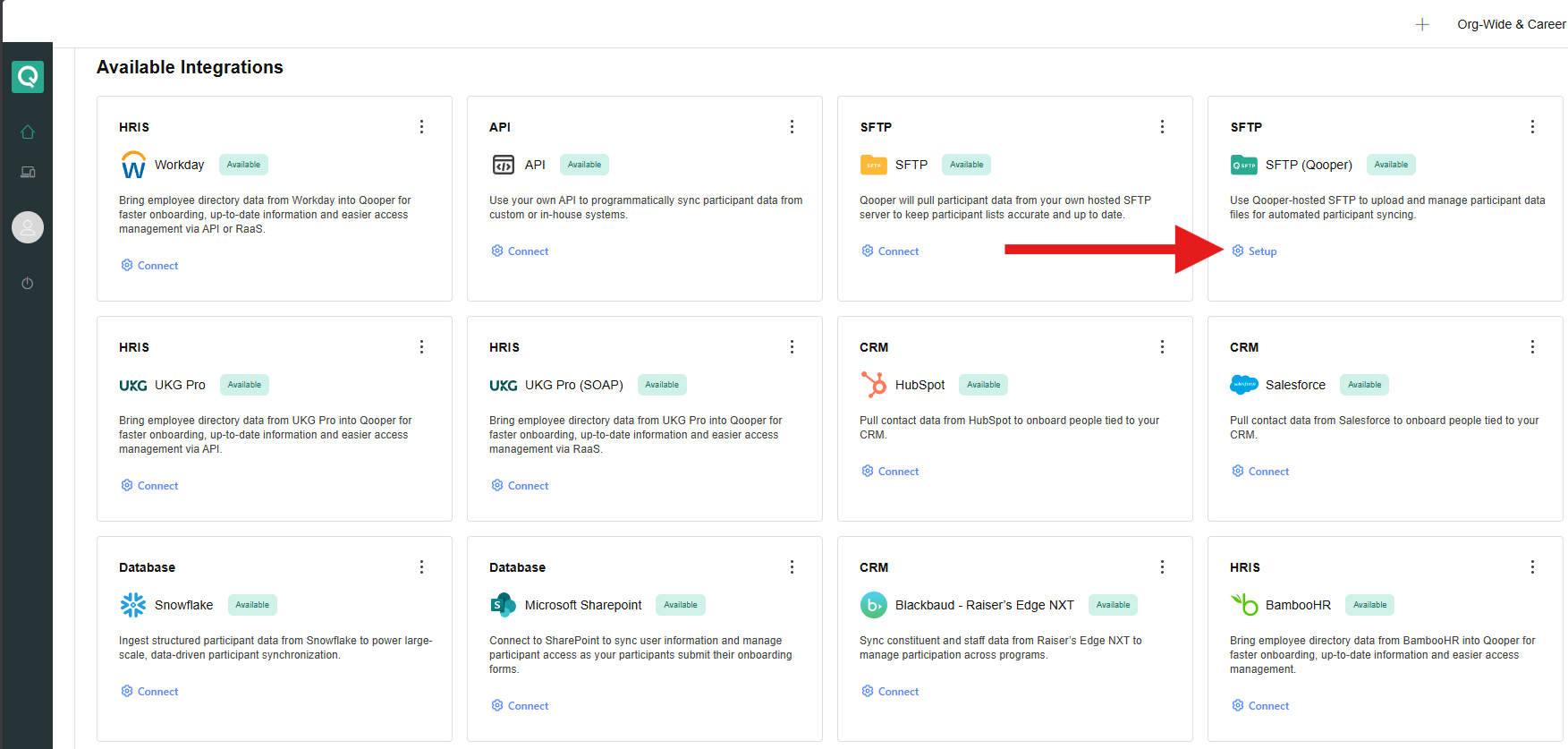
- Click on Setup SFTP (Qooper) to begin the configuration process.
Step 3: Configure IP Whitelisting
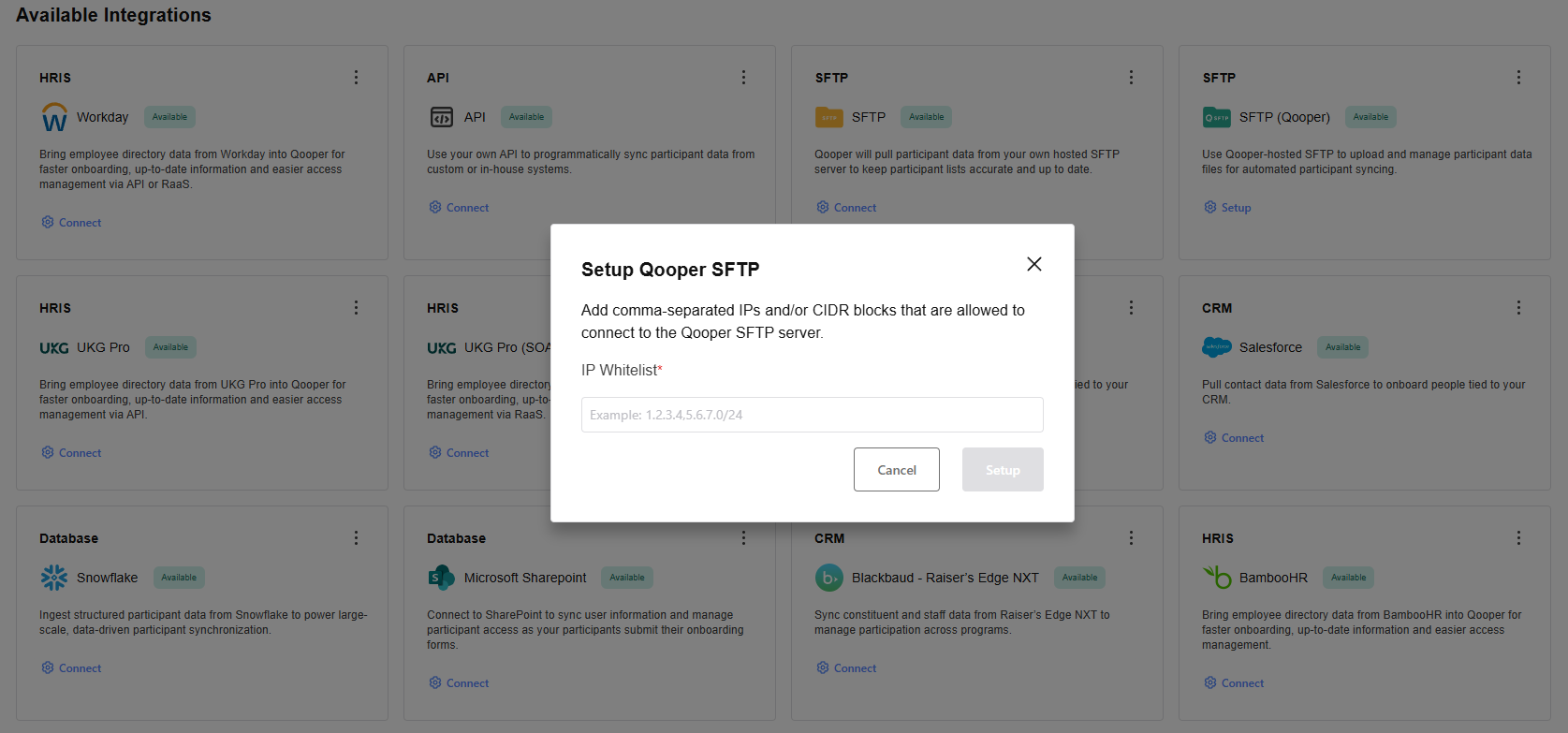
- Enter the IP address you want to whitelist:
This should be the server IP or the IP address of the individual or system that will transfer files to the SFTP server.
Step 4: Retrieve SFTP Credentials
- After submitting the IP address, the next page will display the SFTP credentials.
- Copy these credentials and use them to configure the connection on your end.