
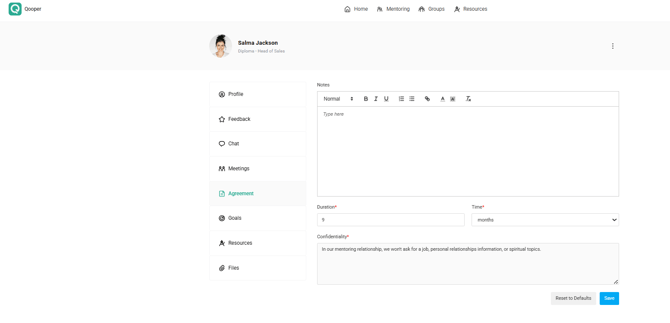
The Agreement section on a match’s profile allows both participants to add notes related to their mentoring agreement. These notes are visible to both the mentor and mentee, ensuring transparency and alignment.
How to Add a Note
-
Sign in to Qooper and navigate to the Matching tab.
-
Select the participant’s profile you want to view.
-
Click on the Agreement section.
-
Type your note in the provided field and click Save.
Viewing Notes
-
Any note added under the Agreement section will appear for both the mentor and mentee.
-
Notes remain visible throughout the program unless deleted by an admin.
Best Practices
-
Use notes to clarify agreements, expectations, or follow-up items.
-
Keep entries professional and concise to ensure clarity for both parties.