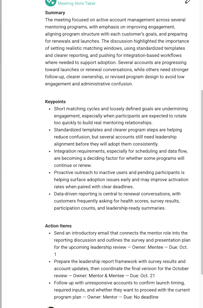
The Mentorship Assistant helps you prepare for and get more from your mentoring meetings. It creates personalized agendas based on your goals and previous meetings, then automatically joins your scheduled video calls to capture key discussion points, summaries, and action items.
📅 Schedule Your Mentorship Meeting
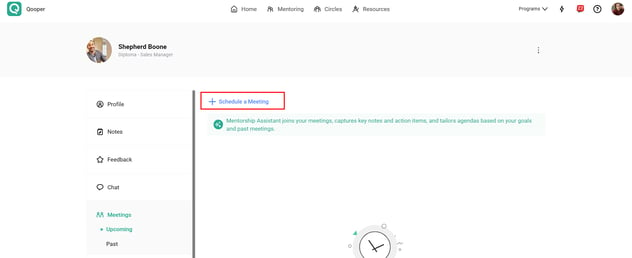
- Go to your active connection in Qooper and open the Meetings tab.
- Click Schedule Meeting.
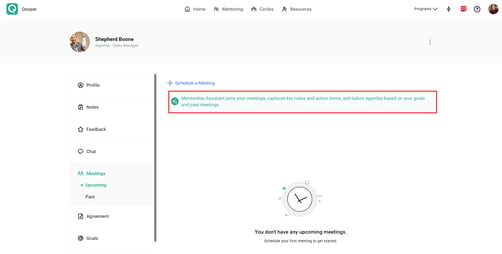
- On the scheduling screen, look for the Mentorship Assistant banner:
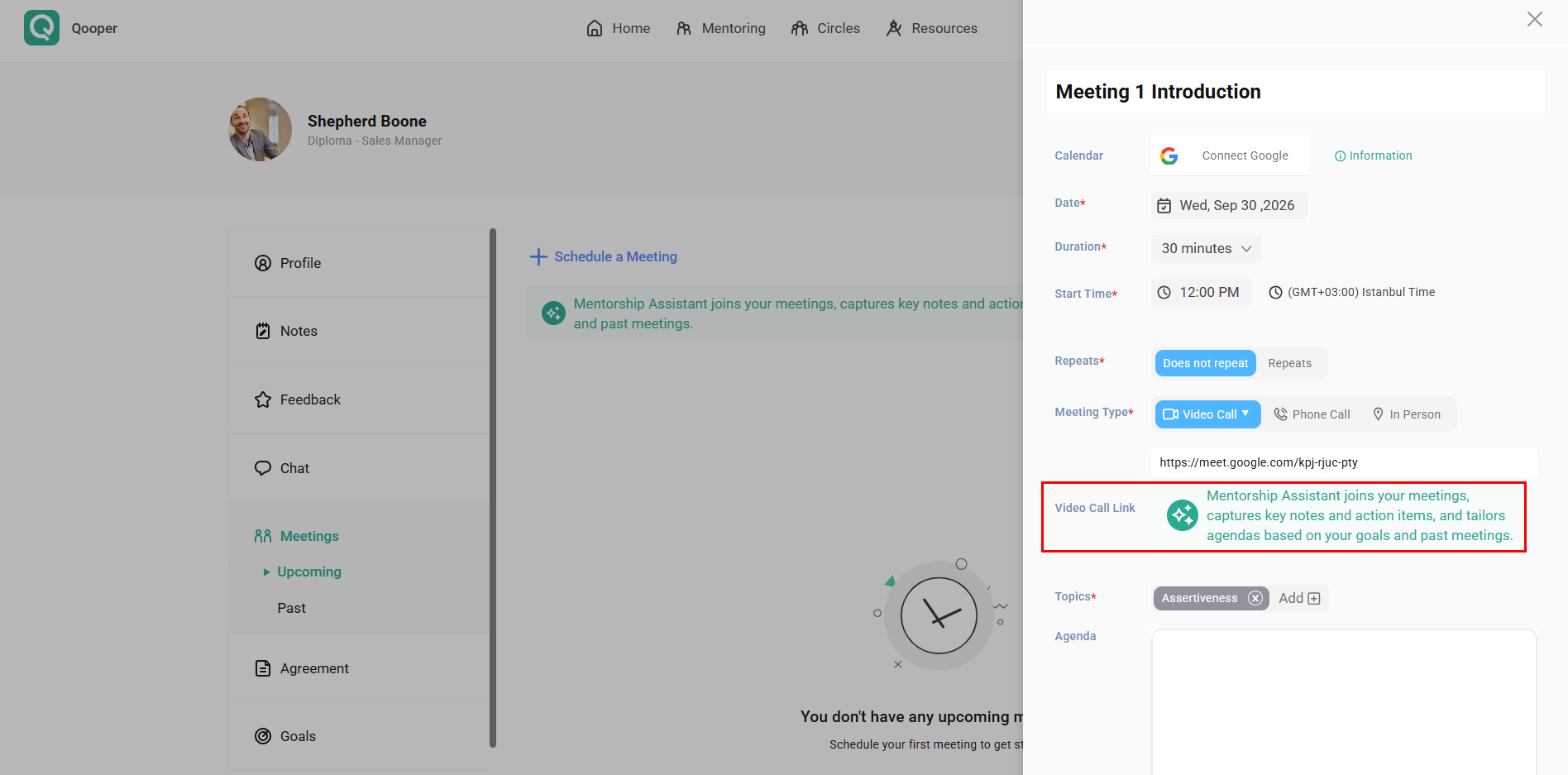
- Enter your meeting details and click Schedule Meeting:
🤖 Host Your Video Meeting
- Join your scheduled video meeting at the designated time.
- Admit Qooper Mentorship to the meeting when prompted so the AI Note Taker can join the call.
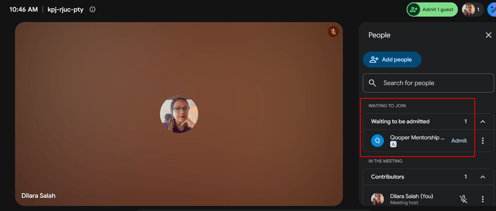
- Continue your meeting as usual while Qooper Mentorship captures and processes the conversation.
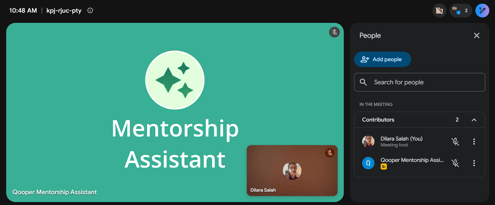
- Once the meeting ends, you will receive an email with the meeting summary, key discussion points, notes, and action items.
📝 Access Your AI Notes & Action Items
After your meeting:
- Open your Qooper account and go to your connection's page.
- Select the Notes tab.
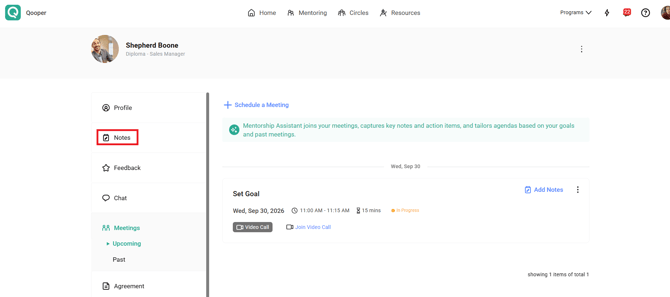
- Click AI Notes to view your meeting information, including:
- Meeting summary
- Key discussion points
- Action items