
As an admin, you can send a bulk notification email to all pending participants using the Notify Pending feature. This ensures that participants who haven't completed their profiles are reminded to do so. Pending participants include:
-
Imported participants who haven't started signing up.
-
Participants with incomplete profiles who began filling out their profile forms but didn't finish.
Step-by-Step Guide
- Sign in to your Admin Dashboard.
- Navigate to Participant Management.

- Click Re-invite Pending Participants .
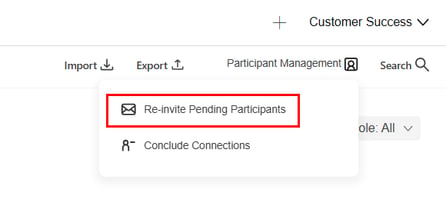
- Select the participants you would like to notify.
- You can choose specific participants or select participants by role (Everyone, Mentor, Mentee, or No Role).
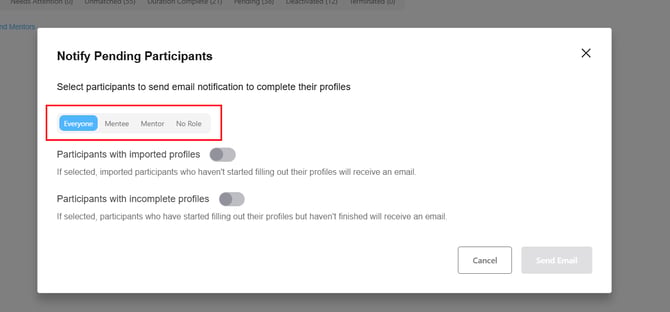
- You can choose specific participants or select participants by role (Everyone, Mentor, Mentee, or No Role).
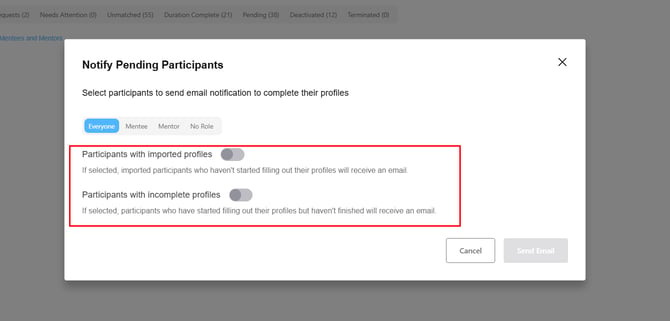
- Choose the notification type(s) you would like to send.
-
Choose from the following options:
-
Participants with imported profiles – Notifies participants who were imported but haven't started filling out their profiles.
-
Participants with incomplete profiles – Notifies participants who started filling out their profiles but haven't finished.
-
-
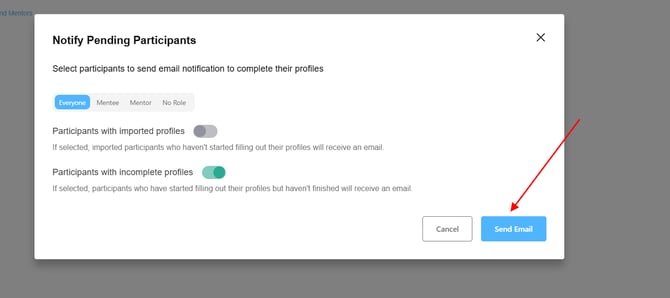
- Click Send Email.
Notification Email Preview
Admins can view the email template sent to participants as below: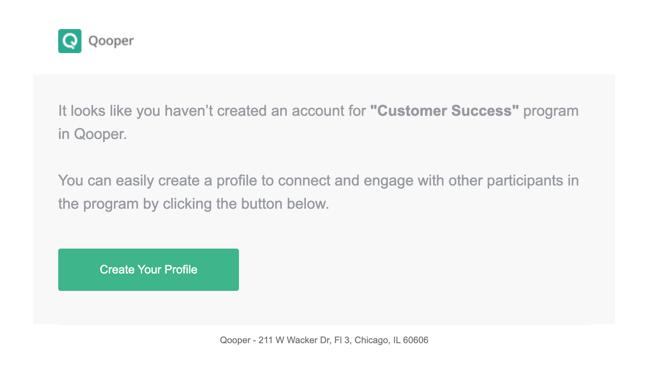
This feature helps ensure higher participant engagement and completion rates within your program!