
The Matching Export includes an Initiated By column that shows whether a match or waiting match request was started by an Admin or a Participant.
This information is available in the export only. It does not identify the specific admin or whether the participant was the mentor or mentee.
How to View the Initiator
1. Download a New Matching Export
- Sign in to your Qooper Admin Portal.
- Go to the Matching section of your program.
- Download a new Matching Export.

2. Find the Initiated By Column
- Open the downloaded file.
- Go to the Matches sheet.
- If applicable, you can also check the Waiting Requests sheet.
- Find the Initiated By column.
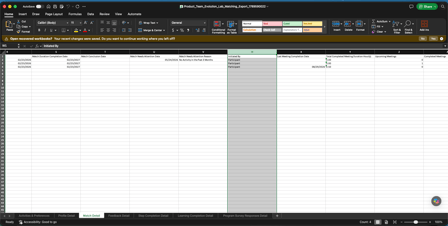
The column uses two labels:
- Admin: The match or waiting match request was started by an admin.
- Participant: The match or waiting match request was started by a participant through self-matching.