
Qooper allows users to edit scheduled meetings when updates are needed. You can modify meeting details such as the title, description, date, time, or meeting link directly from your connection page.
How to Edit a Meeting
- Log in to your Qooper account
- Open your mentorship or peer connection chat
- Navigate to the Meetings section within the connection
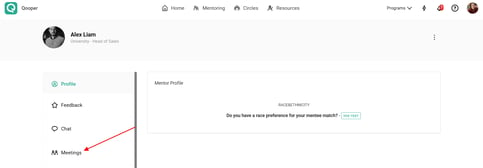
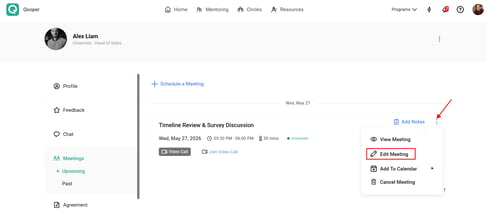
- Locate the meeting you would like to update
- Click on the Edit Meeting option
You will then be able to edit information such as:
- Meeting title
- Date
- Time
- Meeting description
- Meeting location or virtual meeting link
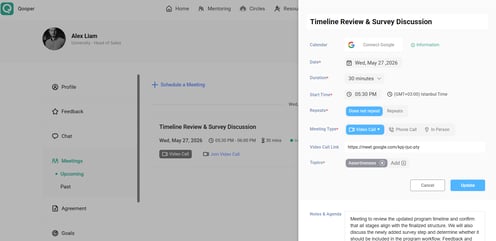
Once your updates are completed, click Update to save your changes.