
Qooper provides a Learning section where participants can access educational resources designed to support their personal and professional development.
You can explore the available learning materials, choose a topic that interests you, and complete each learning by following its steps.
How to Access Learning Resources
- Navigate to Available: Log in to your Qooper account and go to the Available section to explore the resources offered to you.
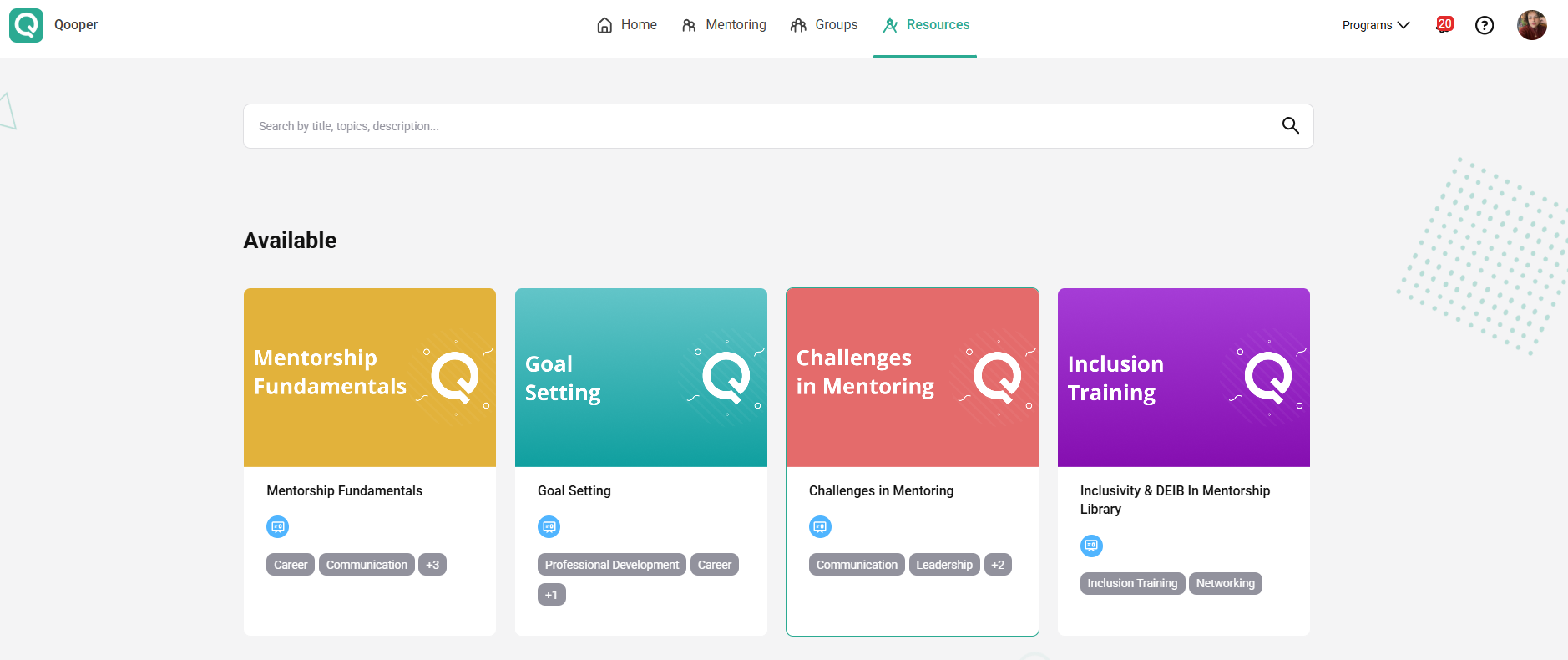
- Open Learning: Find the Learning section and browse the available learning resources.
- Select a Learning: Click on the learning resource you would like to explore to view its content and steps.
- Start Learning: Click Start to begin.
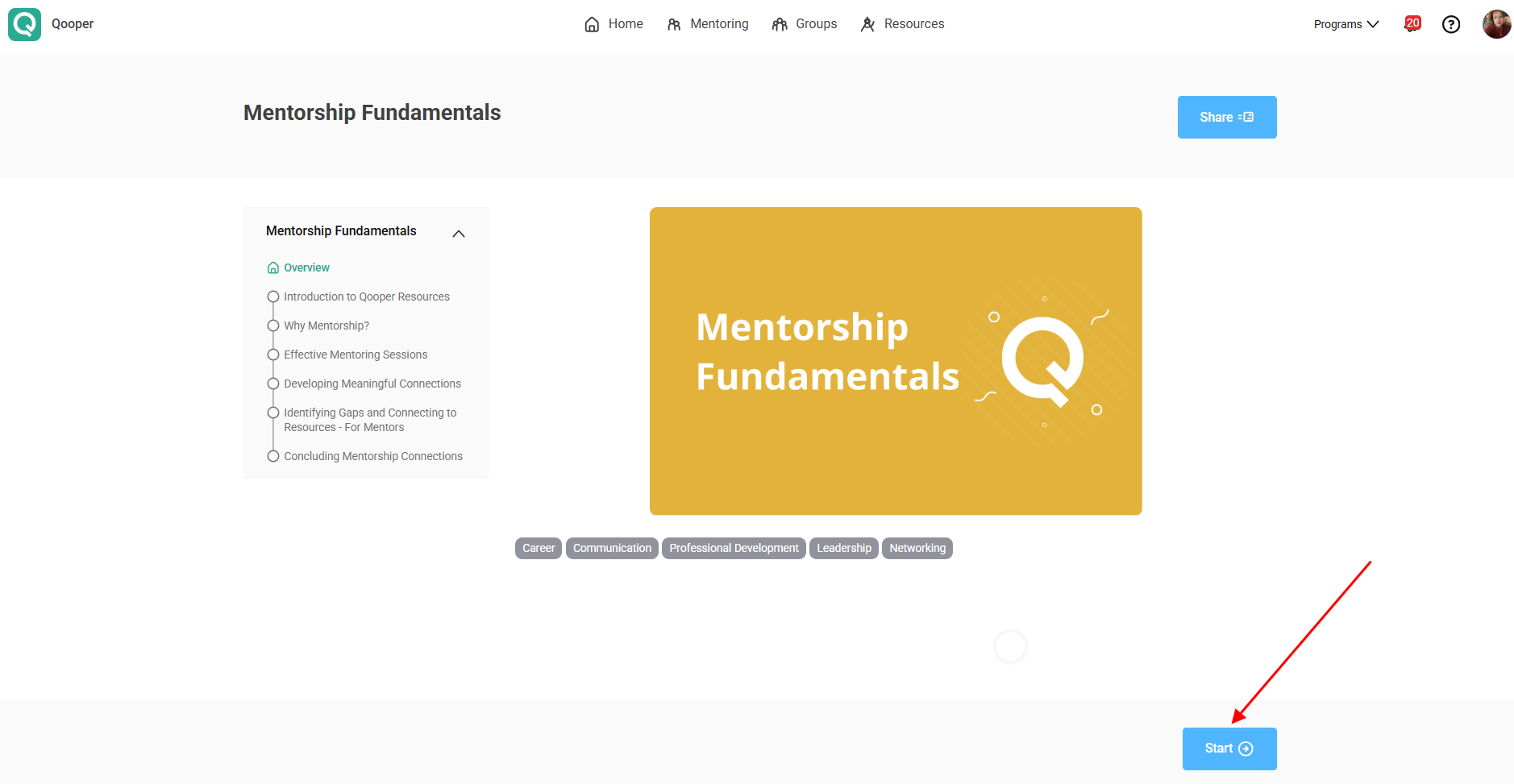
- Follow the Steps: Work through the learning materials step by step, following the sequence provided in the learning menu.
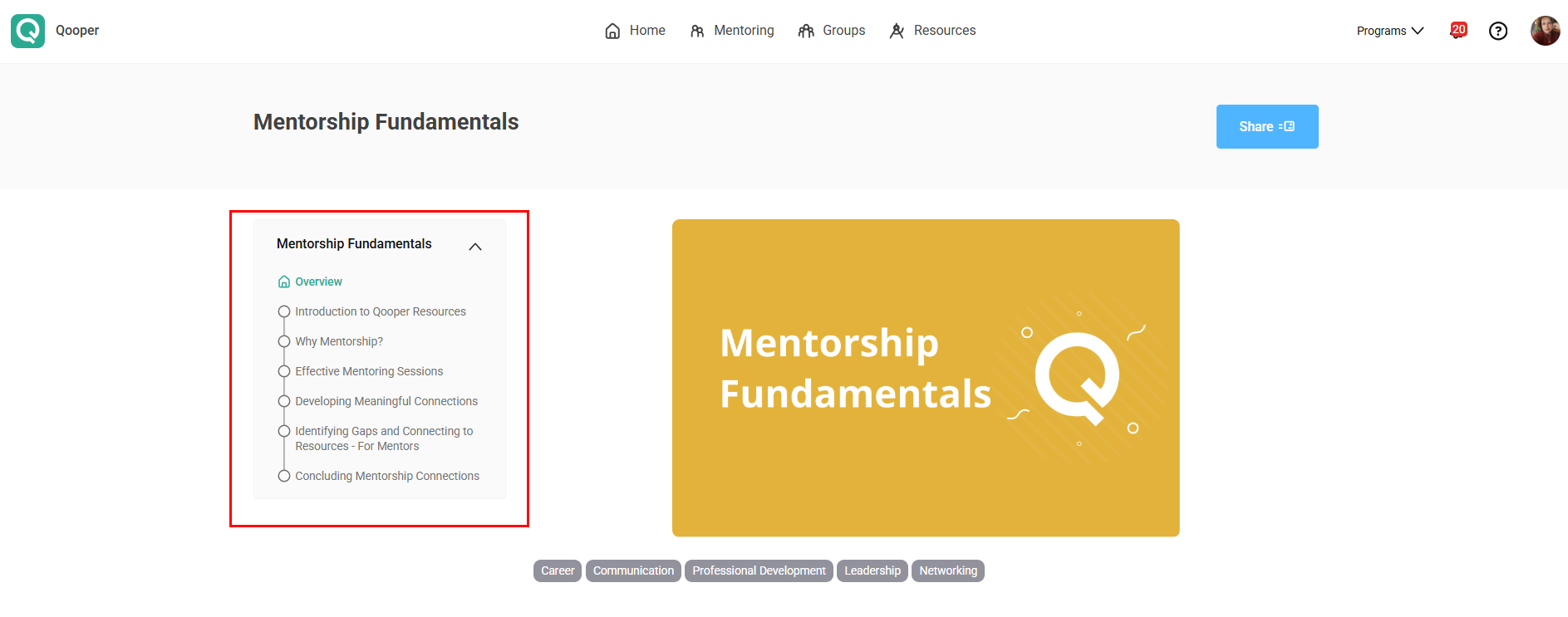
- Continue Learning: After completing each step, click Continue to move to the next section until you reach the end of the learning.
Make the Most of Your Learning Experience
Explore the available topics, take your time reviewing each section, and complete the steps at your own pace to get the most out of your learning experience.