
Administrators can update profile form responses for existing participants by exporting participant data, updating the desired response, and re-importing the information using the Overwrite Participants option.
How to Update a Profile Form Response
- Export the participant data from your program.
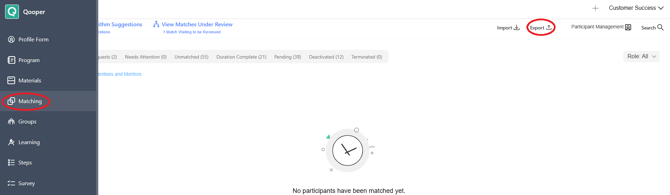
- Open the exported file and locate the participant whose response needs to be updated.
- Update the desired profile form response and save the file.
- Navigate to Admin Dashboard > Matching > Import.
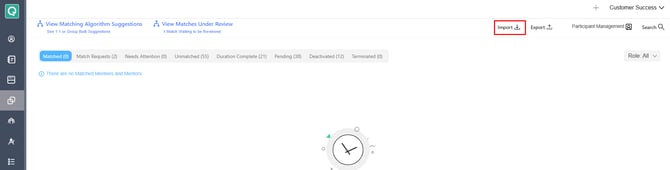
- Select the appropriate Participant Role (Mentor or Mentee) based on the participant(s) being updated.
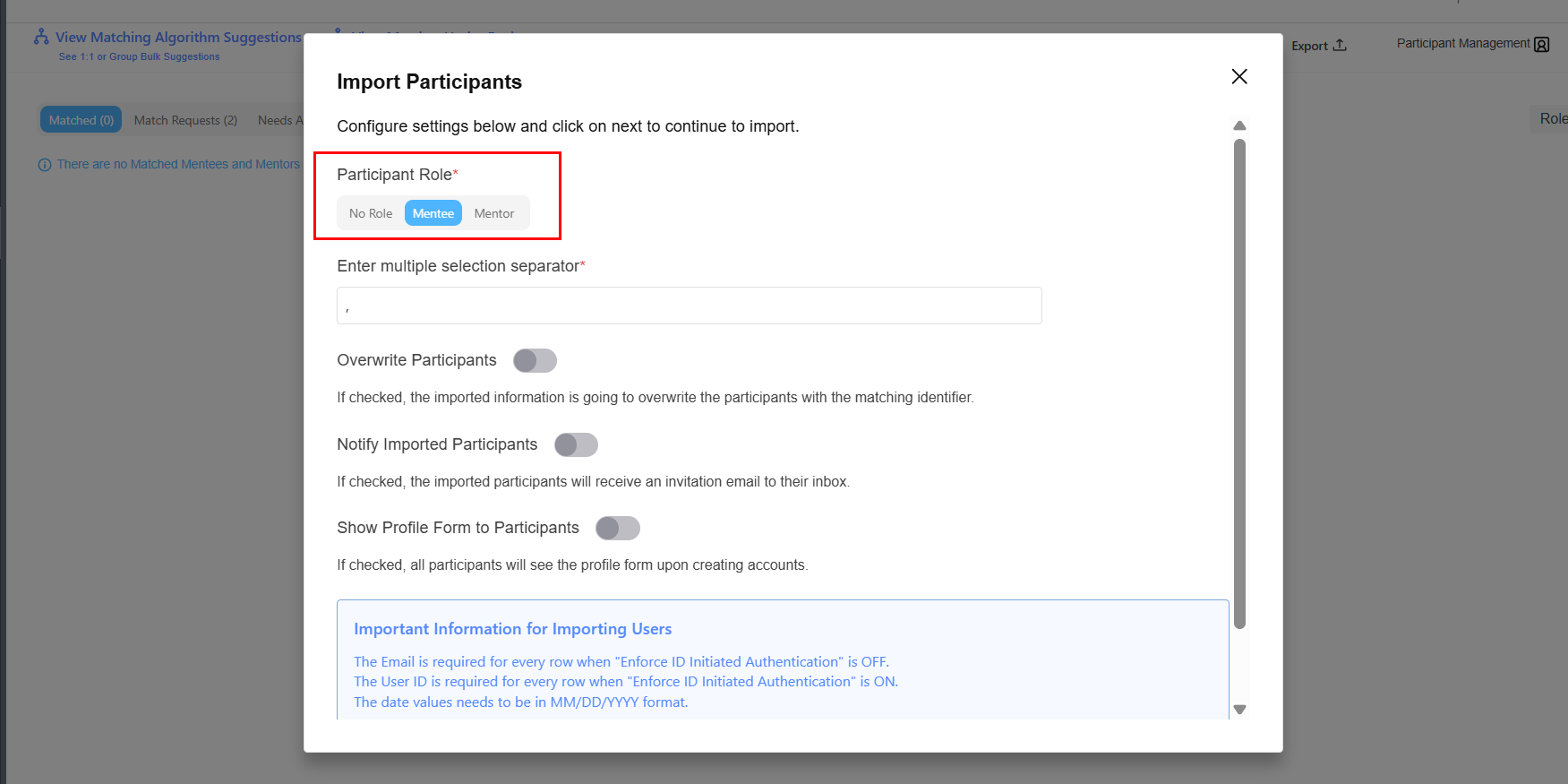
- Enable Overwrite Participants.

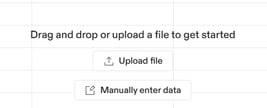
- Upload the updated file or enter the information manually.
- Complete the import process.
Import Settings
-
Enable Overwrite Participants to update existing participant records during an import.
-
When enabled, imported values will overwrite the current information stored for participants with a matching identifier.
Participant Role
Select the role that matches the participant records being updated:
- Mentor – Updates mentor records
- Mentee – Updates mentee records